Work and projects
Every task, from brief to done, in one place.
Workspaces hold each client’s work. Tasks move through five clear stages, the team logs its time, and capacity shows who can take the next job.
On screen
Brief, in progress, internal review, client review, done.
Board, list, people and flow views over the same tasks. Claim, assign, approve or send back, comment and edit the brief without leaving the card.
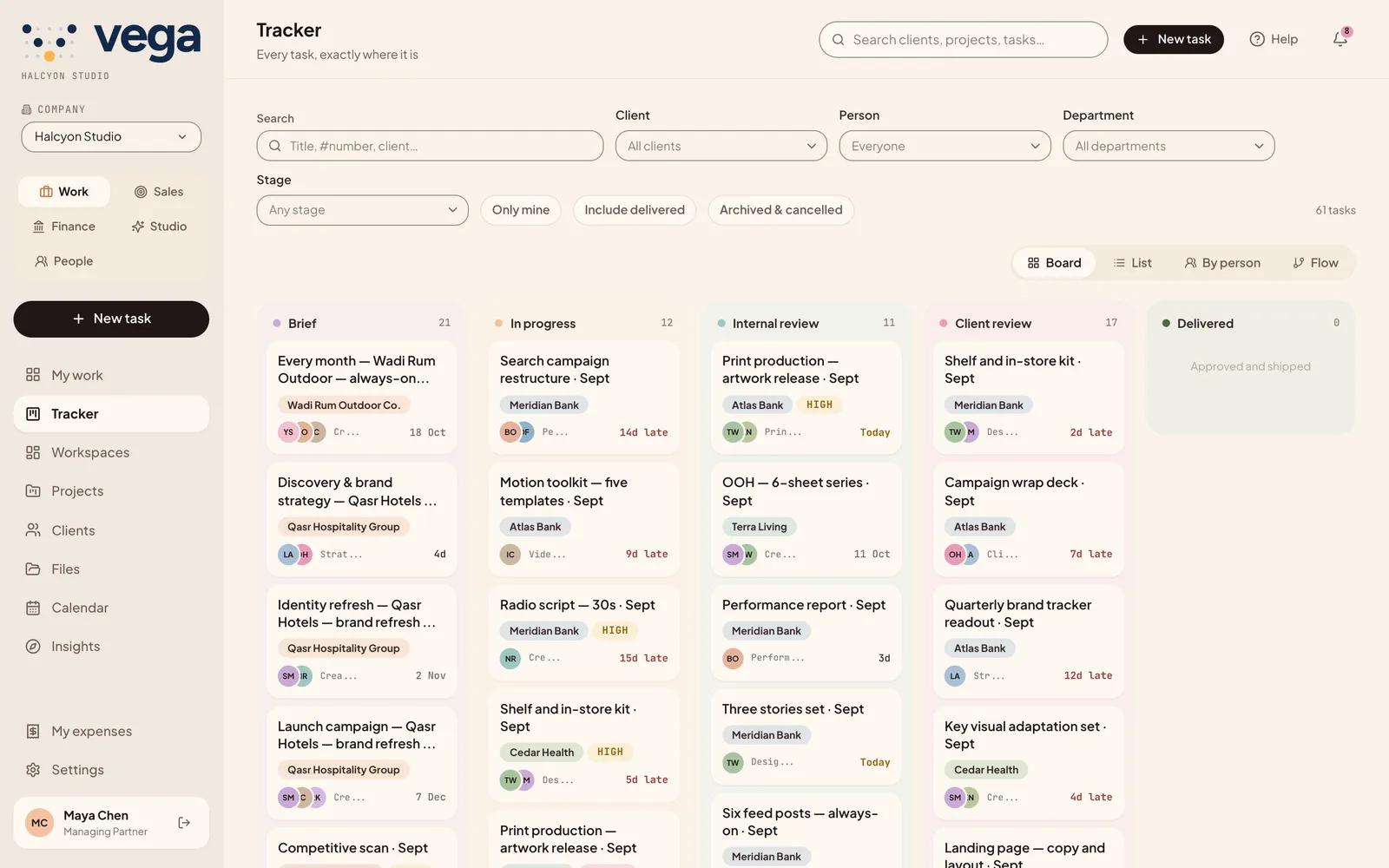
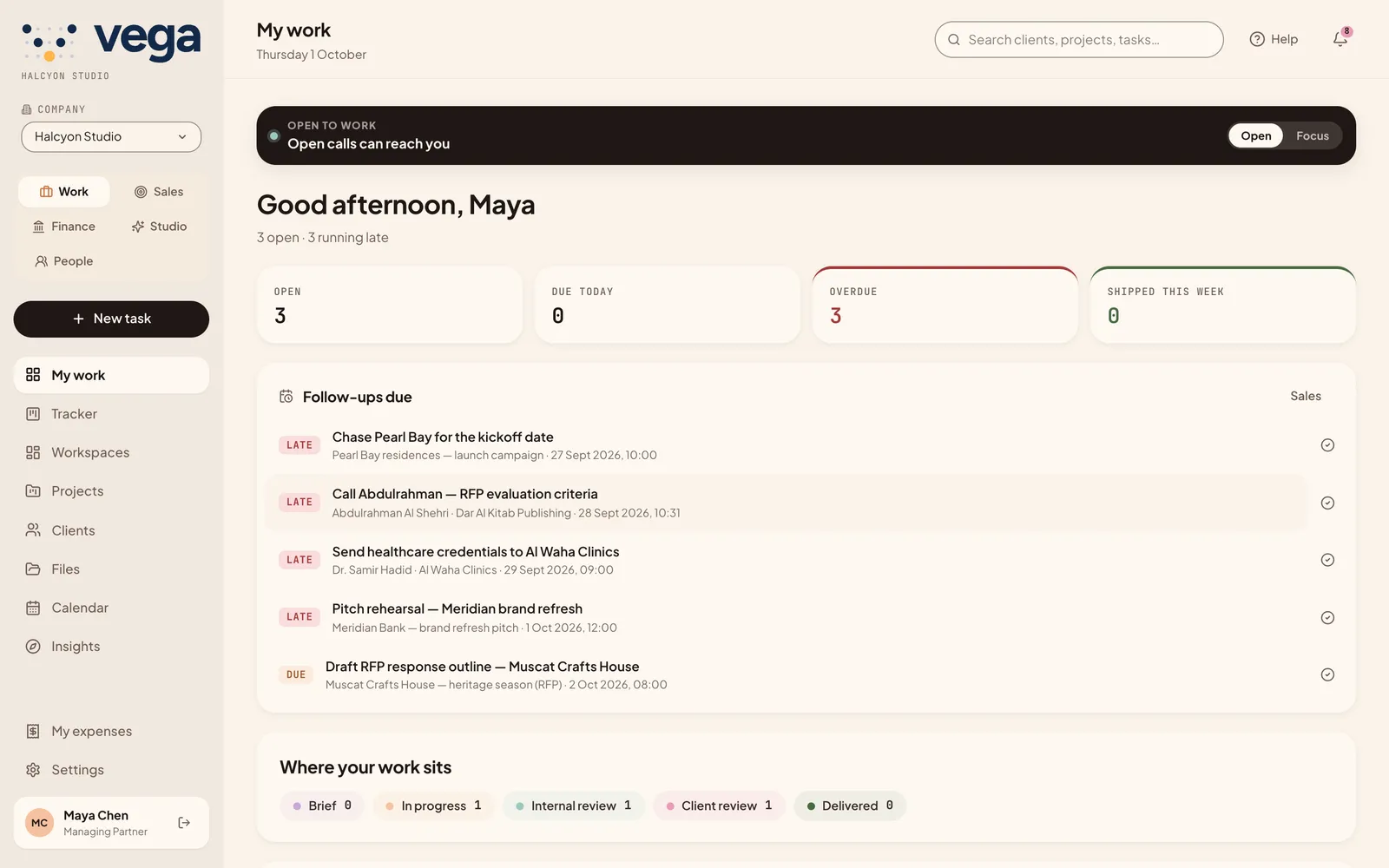
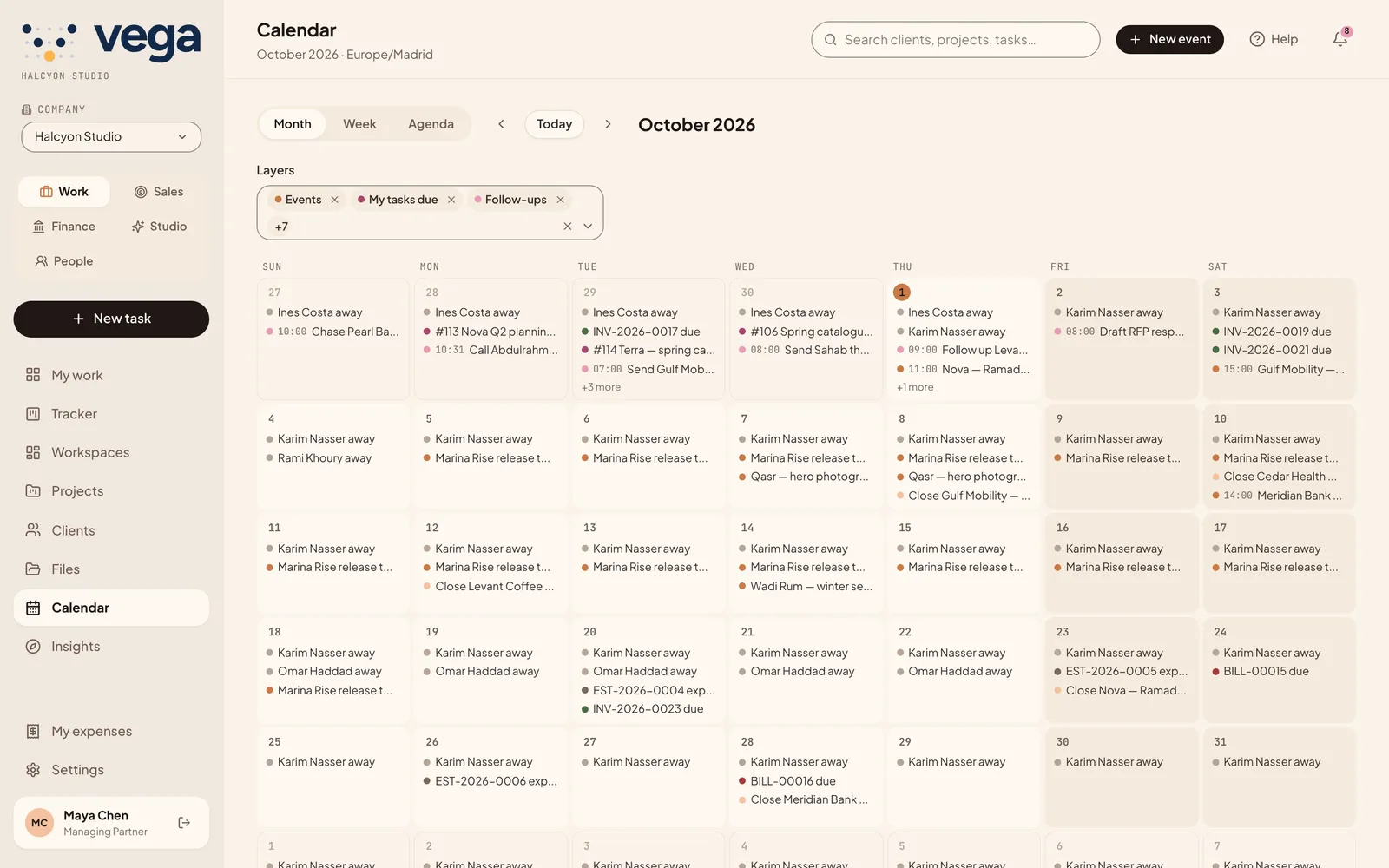
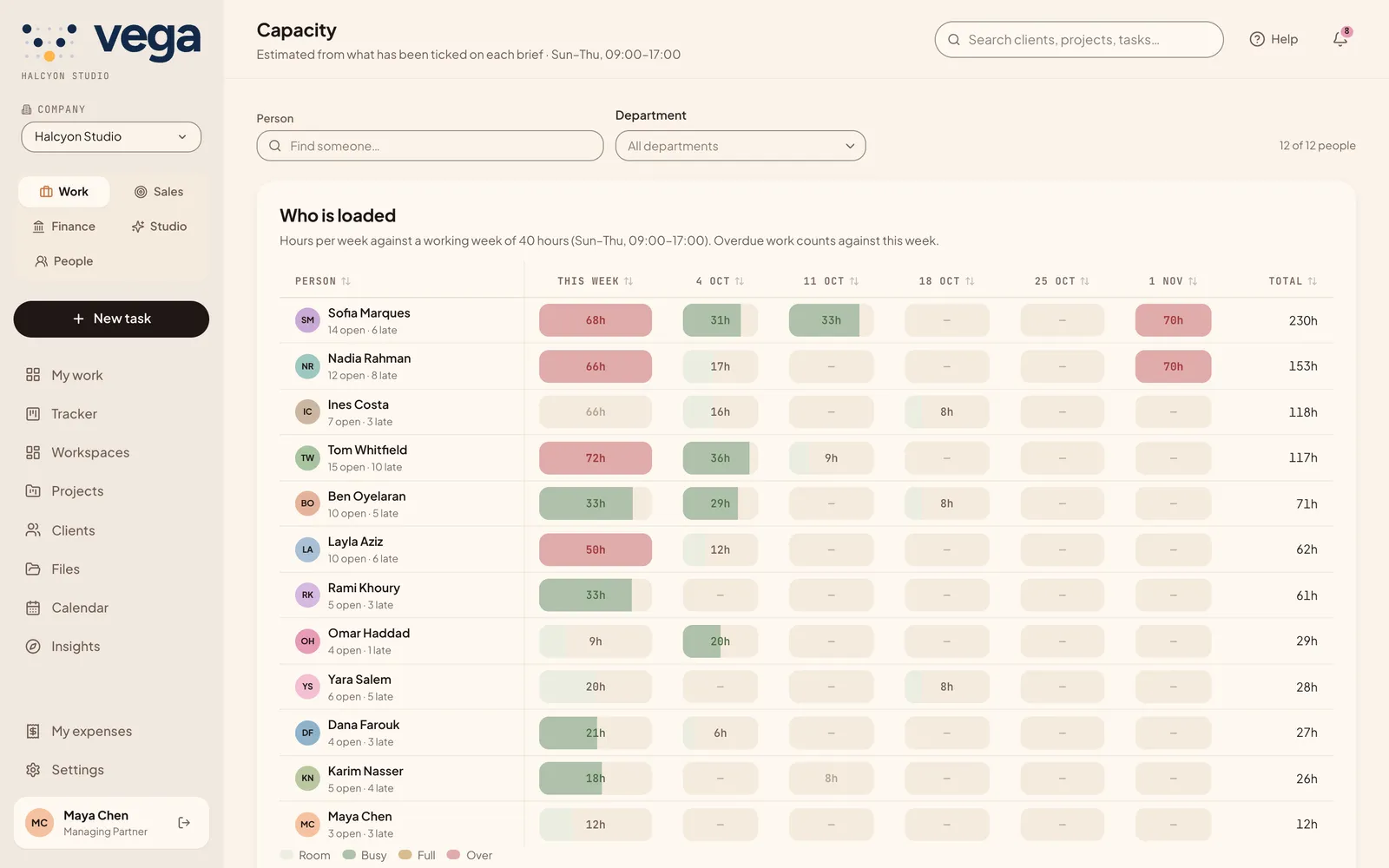
Tasks move from brief to delivered on one board, with the client and owner on every card.
What is included
The parts of delivery that usually live in five tools.
Workspaces
Overview, tasks, board, chat, files, members and settings for each client or project.
Time and timesheets
Start and stop a timer or add entries; weeks are submitted, approved and locked in People.
Capacity
Each person’s week, banded from free to over, so you see who can take more.
Change requests
Log, assign and track client changes; billable ones can be invoiced.
Calendar
Deadlines and events in layers, with a private feed for Google or Apple Calendar.
Reports
Delivery, slippage, workload, clients and the cost of amends, plus profitability from logged time.
Clients in the loop
Approvals without another login.
Send a review link that expires when you choose. The client approves or comments in the browser, and the answer lands on the task. Clients who work with you often get a portal to see their work, approve it and read their invoices.
- Review links are time-limited and can be revoked.
- The client portal is read-only except for approvals and notes.
- Every decision is recorded on the task.
Open calls
The right person for the next slot.
VEGA scores who is best placed for a piece of work, using skills, load and availability, and explains its ranking. In auto mode it offers the slot to the top person; in traffic mode a manager picks from the shortlist.
- Slot
- Score
- Offer
- Claim
- Best fitSkill matchFree this week
- Runner-upSame teamLighter load
Questions
About work and projects.
Can clients see their work without an account?
Yes. A review link opens in the browser without logging in, and it expires on the date you set.
Does VEGA track time?
Yes, with a timer or manual entries. Timesheets are submitted, approved and locked per week.
Where do won deals come from?
From Sales: when a client accepts an estimate online, VEGA turns it into a project with its tasks and billing milestones.
Bring your delivery into one view.
We will set up a workspace with your own clients.