Finance
Close the month in days, not weeks.
Invoices, bills and expenses post to a real double-entry ledger. Reconcile the bank, file the tax return and read your reports, without exporting anything to a spreadsheet.
On screen
Cash, receivables and payables at a glance.
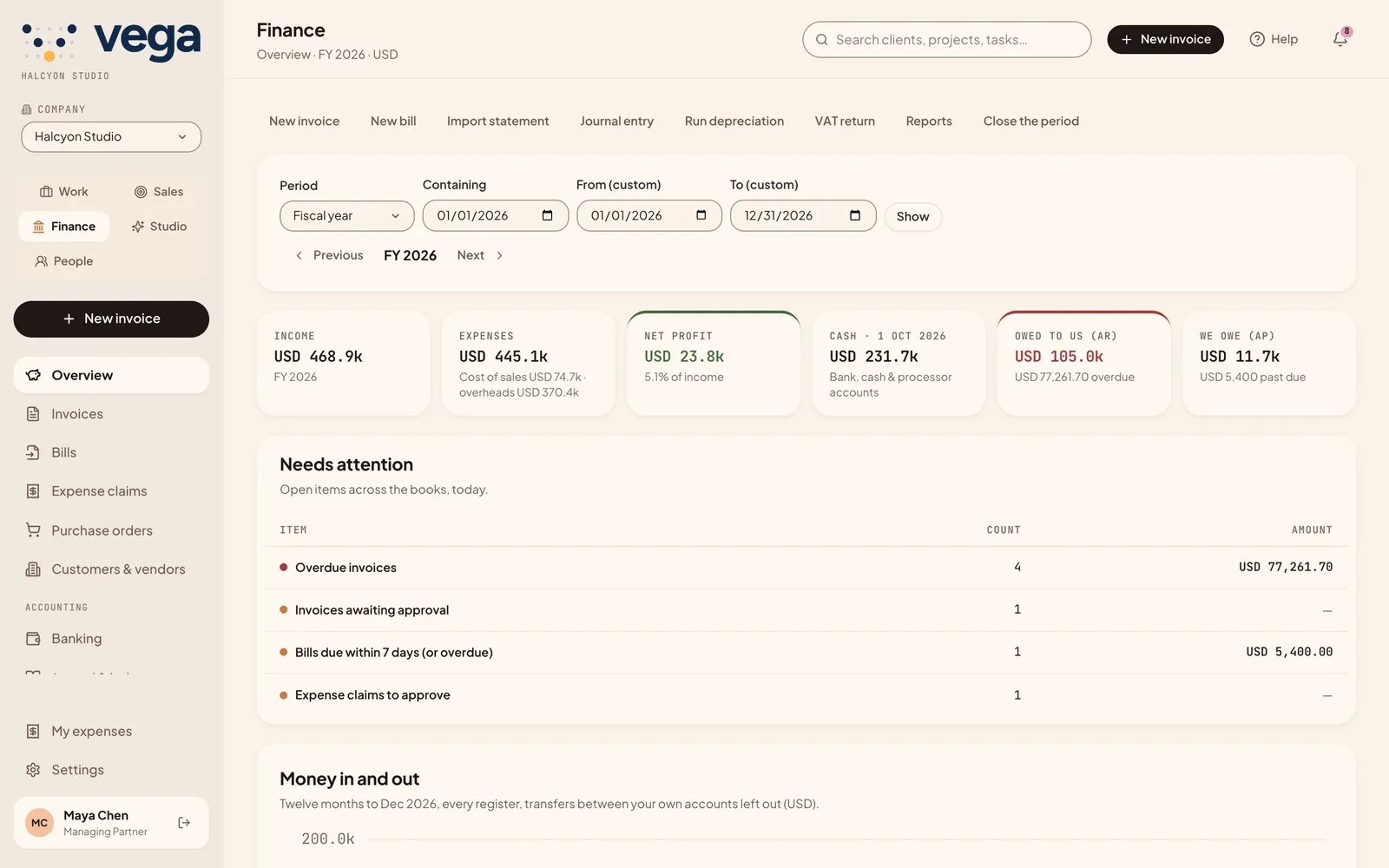 Profit, cash and what is owedWhat needs attention today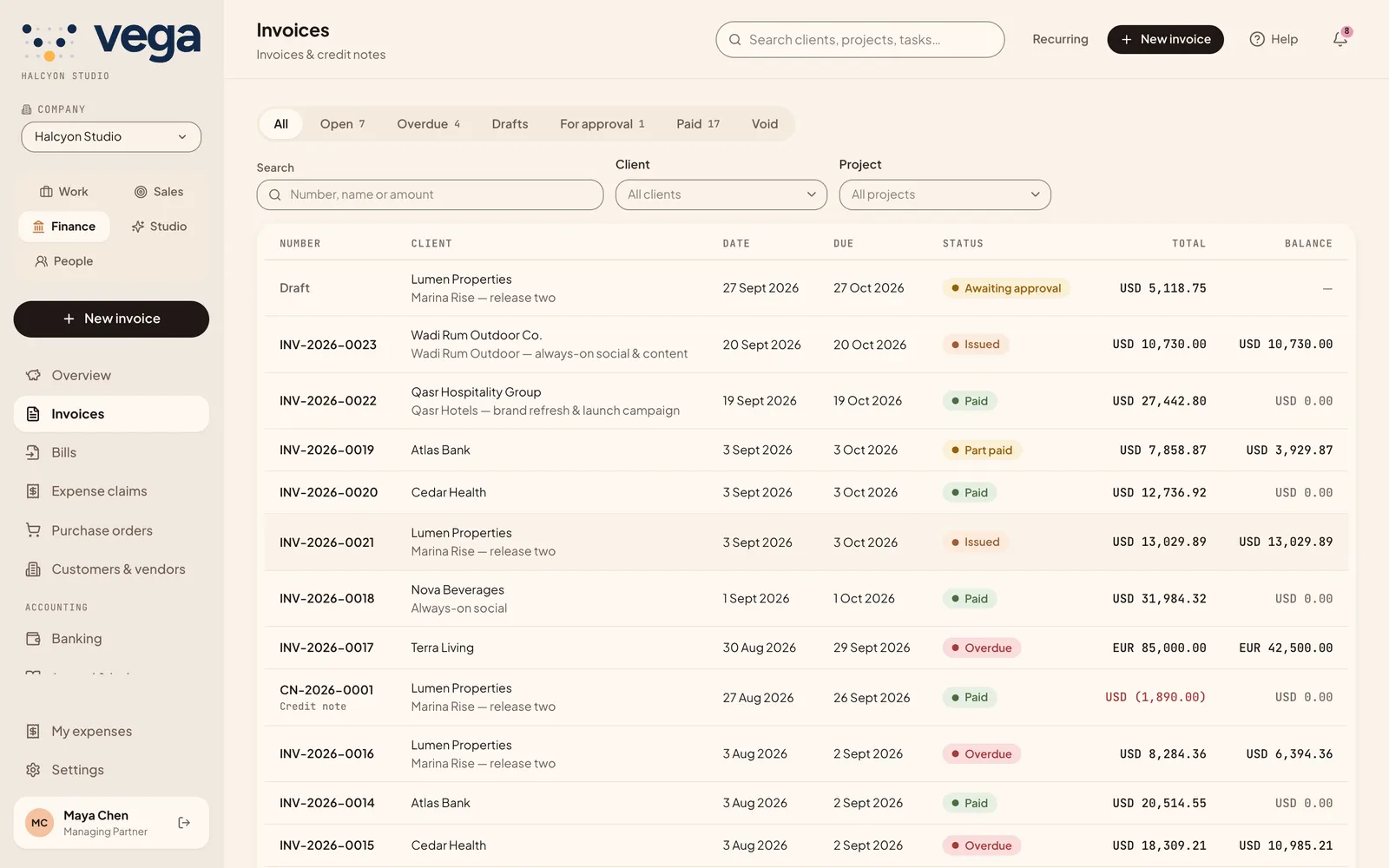
Income, profit, cash and what is owed, with the items that need attention today.
What is included
The full cycle, from quote to close.
Invoices
Approval, credit notes, recurring schedules, payments and a share link the client can view and print.
Bills and purchase orders
Scan a supplier bill from a PDF or photo into a draft, and match it to purchase orders.
Expenses
Staff submit receipts that AI reads; finance approves and posts them.
Ledger and close
Chart of accounts, journals, fixed assets with depreciation, budgets, and period and year-end close.
Banking
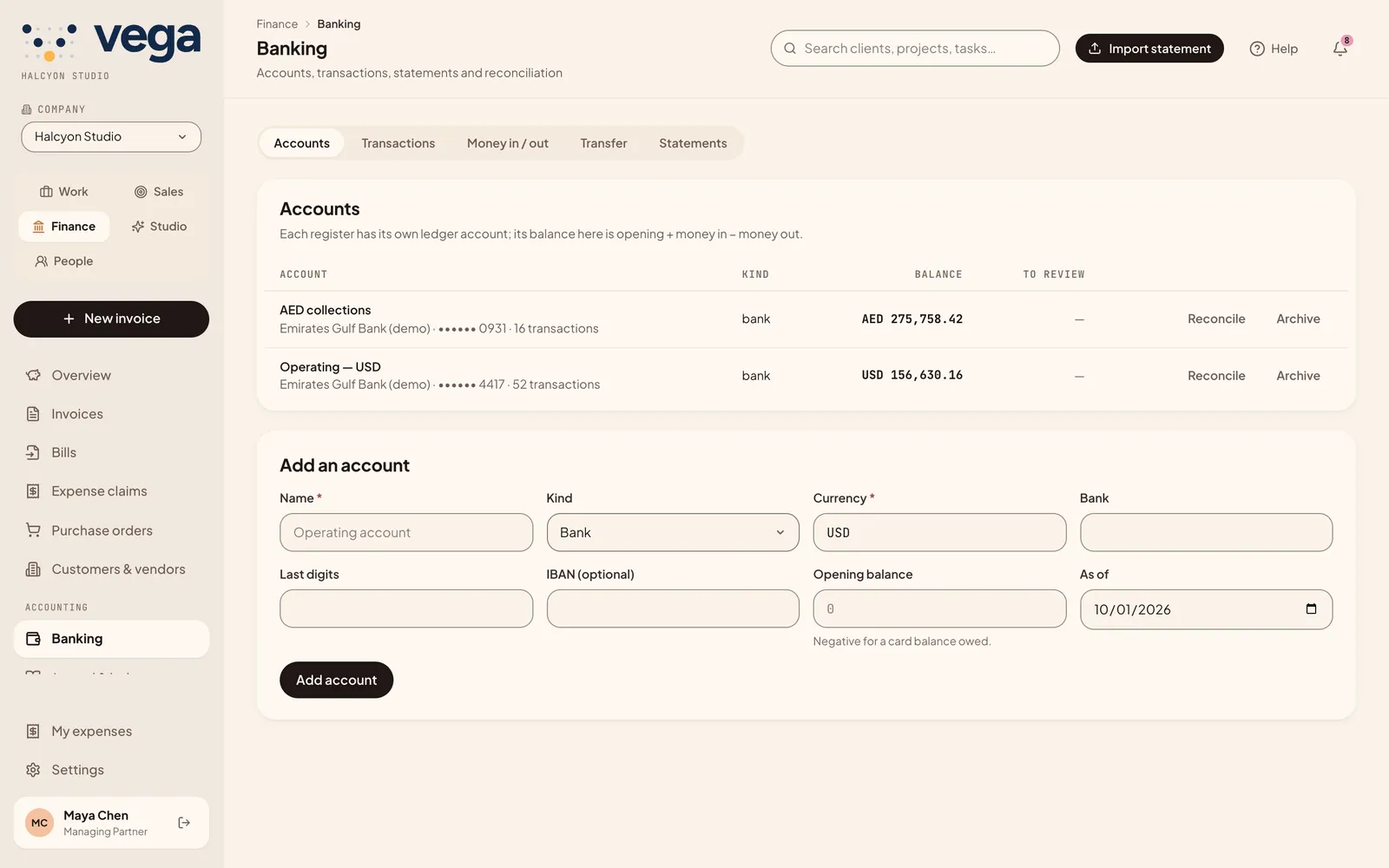
Import statements (CSV, OFX, QFX), review lines and reconcile. Multi-currency with your own exchange rates.
Tax and commissions
VAT returns from the ledger, and commission statements based on what clients actually paid.
Reports
The reports, built in.
| Report | What it answers |
|---|---|
| Profit and loss, Balance sheet, Trial balance | How the business is doing, at any date |
| Cash flow (direct) | Where cash came from and went |
| Receivables and payables aging | Who owes you, and whom you owe |
| Sales by client, Job profit, Work in progress | Which clients and projects make money |
| Tax, General ledger, Retainers | The detail behind every figure |
Questions
About finance.
Can clients pay invoices by card in VEGA?
Not yet. Clients view and print invoices from a share link; you record the payment when it arrives.
Does VEGA connect to my bank?
You import bank statements as CSV, OFX or QFX files and reconcile them. There is no live bank feed.
Does payroll reach the books?
Yes. Posting a payroll run creates its journal in the ledger.
One set of numbers for the whole company.
See your own month-end in VEGA.